
Medication reminders and dose follow-up
Keep pending doses, postponements, and adherence-related notices visible when the routine needs closer attention.
Clearer health alerts
Keep relevant notices, reminders, and recent alerts in one place inside VitalTracking so it is easier to see what needs attention first.
The real product experience brings together medication signals, reminders, appointments, app notices, and recent health indicators inside one more visible flow.

Recent notices, inbox review, and broader alerts control inside one flow.
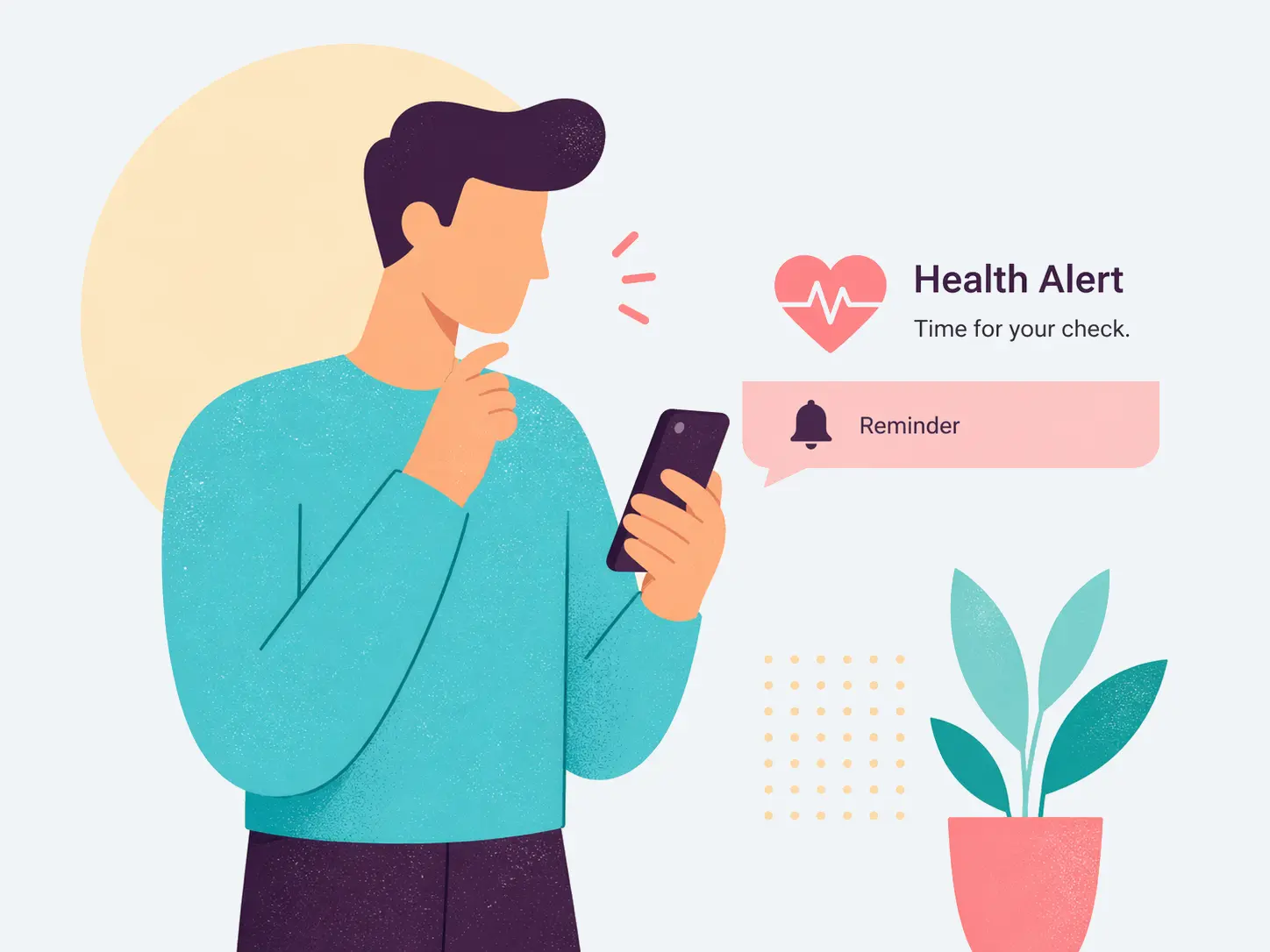
What kind of alerts you can receive
The real VitalTracking base combines notifications, inbox, and alerts so that different signals do not stay scattered across the app.
Keep pending doses, postponements, and adherence-related notices visible when the routine needs closer attention.
Appointments can be part of the general alerts system so upcoming visits stay visible when they matter most.
VitalTracking also reserves room for app-level notices inside the same notifications and categories flow.
The alerts feature works with blood pressure, glucose, sleep, mood, and medication adherence to build a clearer picture of recent follow-up.
When a more sensitive signal appears, it can stay highlighted and easier to spot inside the temporary alerts inbox.
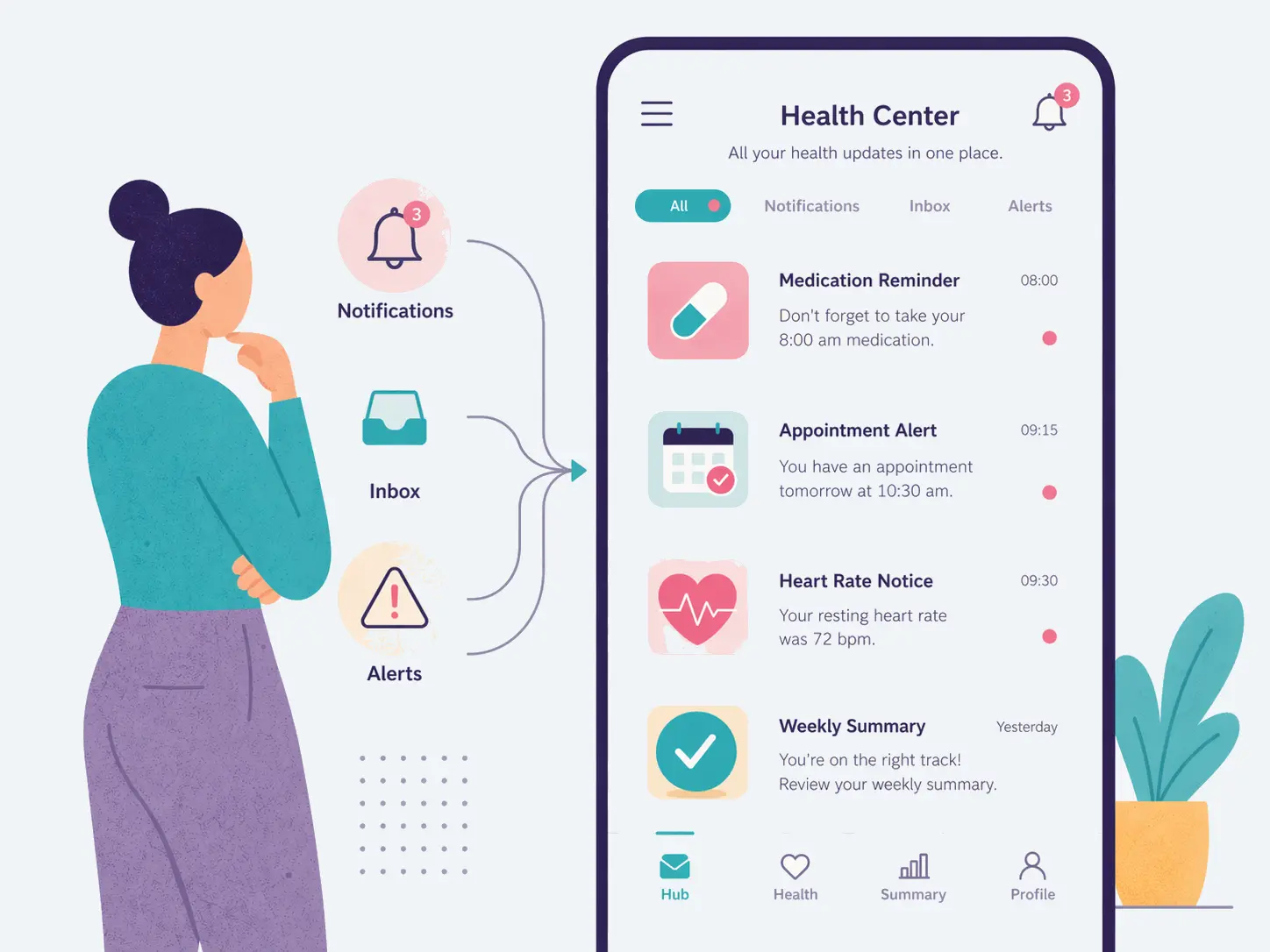
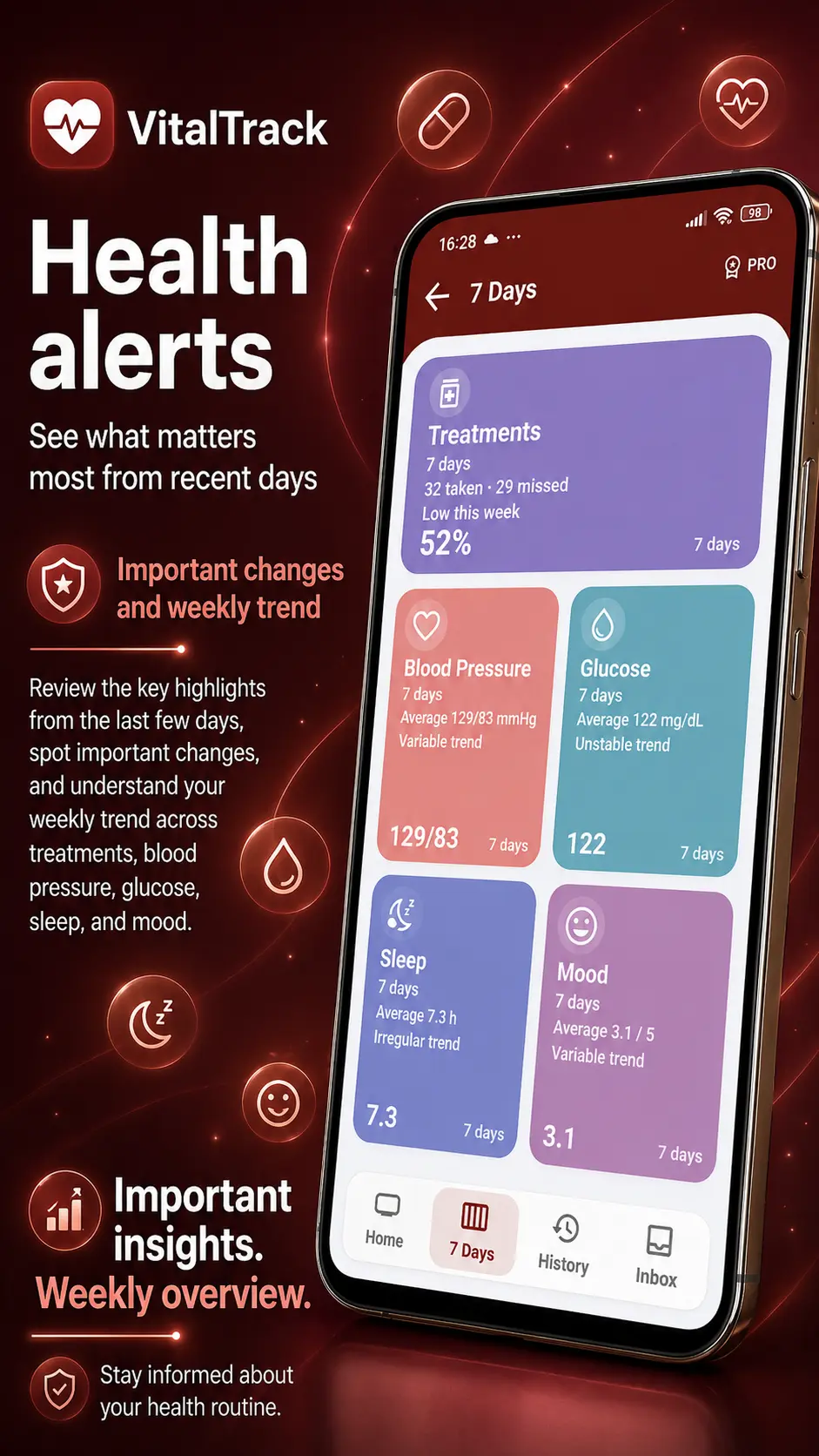
How the alerts experience is organized
The real Alerts navigation is not limited to one flat list. It separates overview, recent windows, history, and visible inbox follow-up without breaking continuity.
The Alerts home combines a quick overview and direct entry points so you do not begin from a blind list.
The system breaks signals down by medication, blood pressure, glucose, sleep, and mood to clarify where attention is needed.
The 7 days view helps you read the recent context before moving into deeper history.
When more depth is needed, historical data opens a steadier view of past evolution and context.
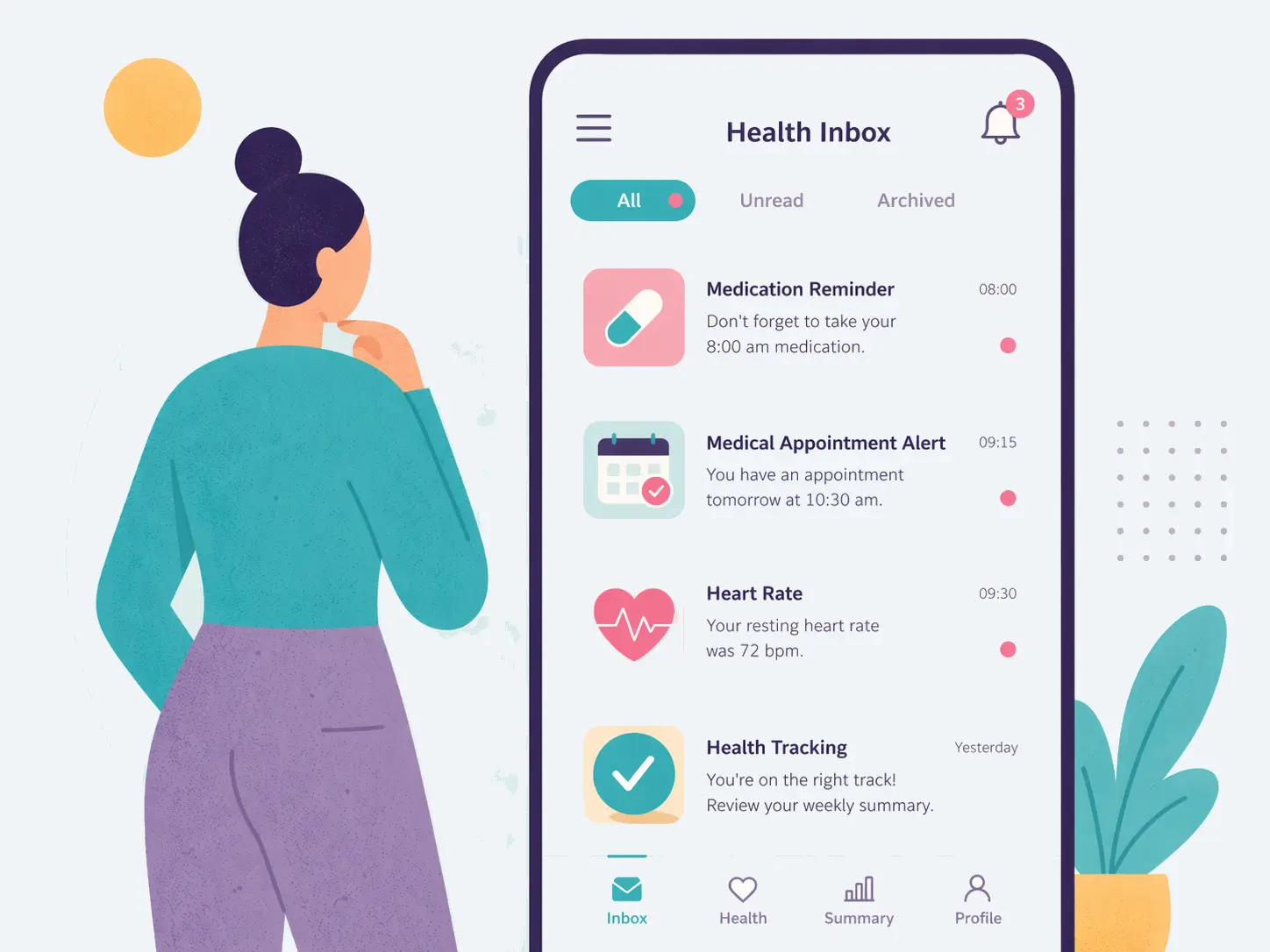
The inbox gathers visible notices and lets you act on them without breaking the follow-up flow.
Inbox, follow-up & visibility
The alerts inbox keeps visible items active, lets you filter them, and gives you direct actions so each notice can be handled without leaving the flow.
You can move through all items, unread items, highlighted items, or the latest ones to find what deserves attention sooner.
Each notice can open in detail and from there be marked as read, archived, or deleted depending on what you need.
Inbox items work with detection, visible-from, and expiry moments so the focus stays on recent signals instead of stale noise.
Settings & system control
Beyond the visible inbox, VitalTracking has real support for adjusting overall alert behavior and notification access.
A global setting is available to keep notification sound enabled or muted across the broader flow.
The system distinguishes at least medication reminders, appointments, and app notices so control stays more precise.
The app includes a real permission flow and system-access handling so alerts can work more consistently when the device requires it.
With overview, history, and inbox combined, it becomes easier to understand what is still pending, what was already reviewed, and what can be cleared.
BLOG
Practical articles and steady guidance for understanding day-to-day health follow-up more clearly.
Related features
These features feed or expand the alerts system without taking focus away from what needs attention now.
Keep treatments and daily doses connected to the alerts that matter most.
View featureKeep visits and appointment reminders visible alongside the rest of your follow-up.
View featureTurn blood pressure, glucose, sleep, and mood records into a clearer alerts context.
Open VitalTracking and keep reminders, recent alerts, inbox review, and general alerts control inside one steadier flow.
CTA ready to point to the product listing when it becomes available.